
Identity, roles, and automation access
Give people and pipelines only the JustScan access they need, then review it as part of governance.
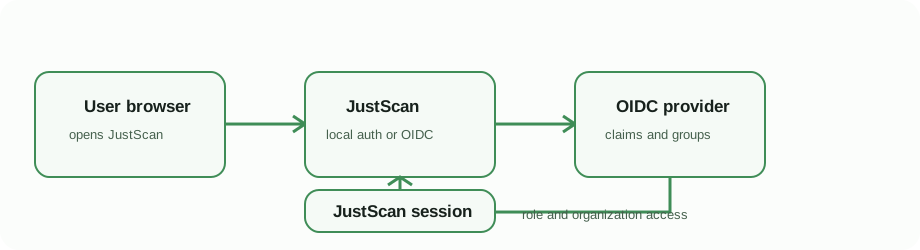
JustScan combines user authentication with workspace and organization authorization. Use personal access for individual work, organizations for shared security workflows, and scoped organization tokens for unattended automation.
People
Complete local authentication or OIDC authentication first. Invite users to organizations, assign the least privileged role, and remove membership when responsibility ends. OIDC mappings are evaluated at login, so removed identity-provider membership takes effect at the next sign-in.
Keep at least one tested administrator path while changing identity settings. Do not disable local authentication until an OIDC administrator can sign in through the public production hostname.
Automation
Create organization tokens for CI/CD rather than reusing a person's session. Assign only the required token scope, store the token in the CI secret manager, label it by workload, and revoke it immediately after exposure or decommissioning. The pipeline_scan scope is the normal scope for a policy-aware pipeline scan.
The roles and token scopes reference is the authority for current permissions. Review tokens during application ownership changes, pipeline retirement, and incident response.